Weight Loss Tracking Buddy press kit
Screenshots, the app icon, product facts and copy you're welcome to use. If you need something that isn't here, such as a promo code, extra images or a quote, just ask.
The ZIP holds every screenshot, the app icon and the share banner.
- Developer
- Danny Law, an independent developer based in the UK
- Publisher
- Law Industries Ltd
- Release
- Version 4.0, 22 October 2026
- Platforms
- iPhone and iPad (iOS 26 or later), built for iPhone Duo, and Apple Watch (watchOS 26 or later)
- Price
- Free on the App Store, with an optional WLTB Pro subscription
- Units
- Pounds, kilograms, or stones and pounds
- Languages
- English
- Website
- weightlosstrackingbuddy.com
- App Store
- id6448984613
- Contact
- dannylawapps@gmail.com
01 / About
About Weight Loss Tracking Buddy
One line
Weight Loss Tracking Buddy (WLTB) is a weight loss tracker for iPhone, iPad and Apple Watch that shows you where your trend is heading and when you'll reach your goal.
Short description
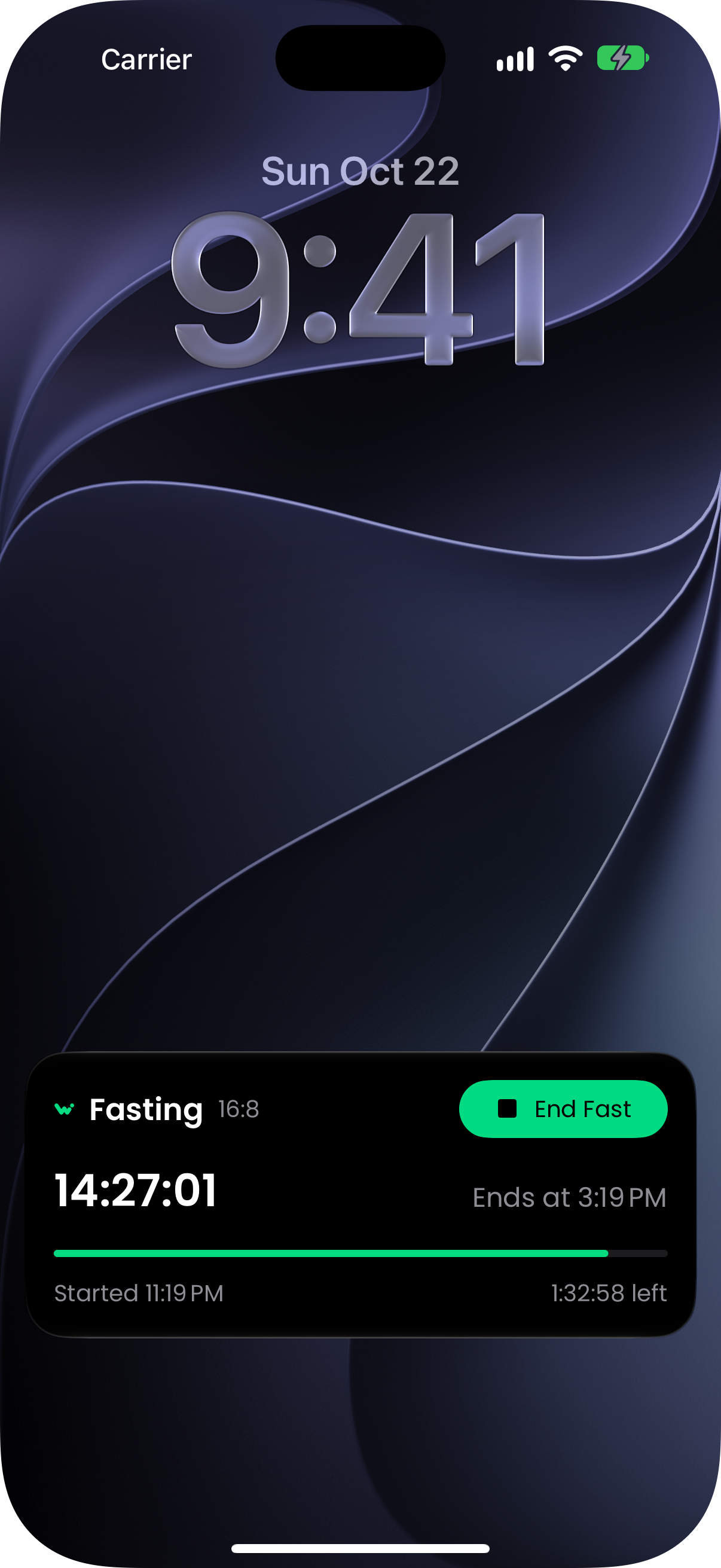
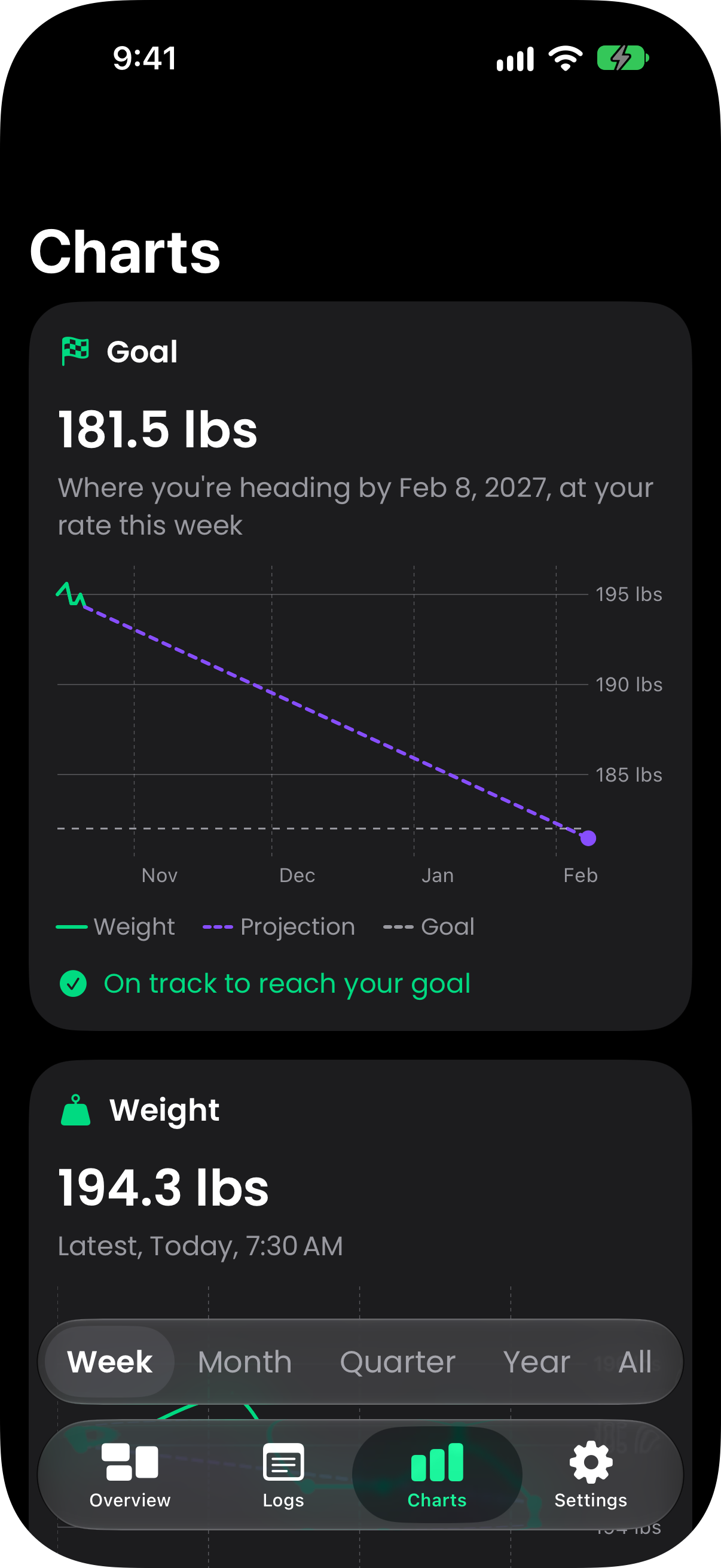
Weight Loss Tracking Buddy helps you lose, gain or hold your weight. Set a goal by weekly pace or by date, log your weigh-ins and follow your trend on charts you can scroll and zoom. With Pro, snap a meal or scan a label for calorie and macro estimates, track fasts on your Lock Screen, sync with Apple Health and compare progress photos.
Long description
Most people judge a diet by one morning on the scales. Weight Loss Tracking Buddy is built to show the bigger picture: set a goal and a pace, log your weigh-ins, and it shows your trend through the daily ups and downs and the day it reaches your goal.
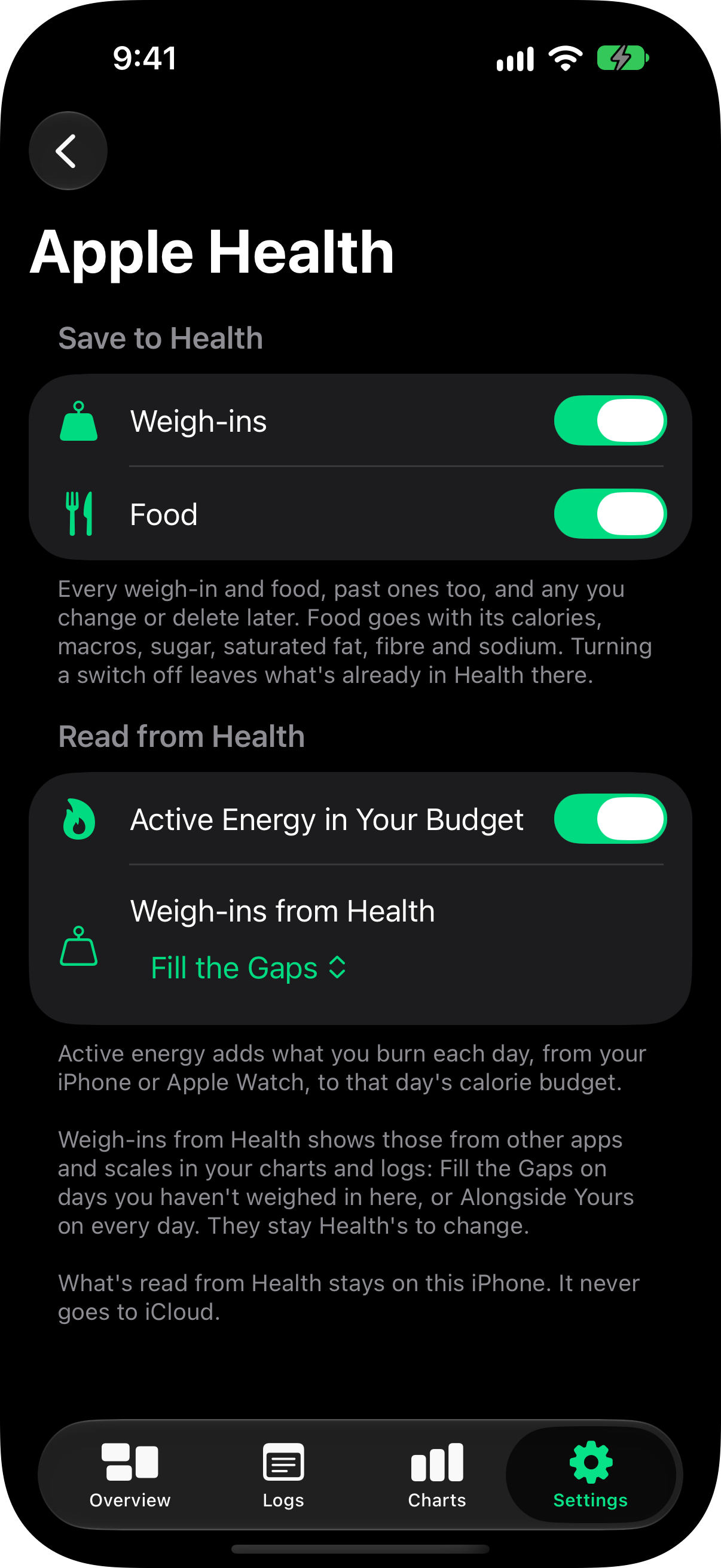
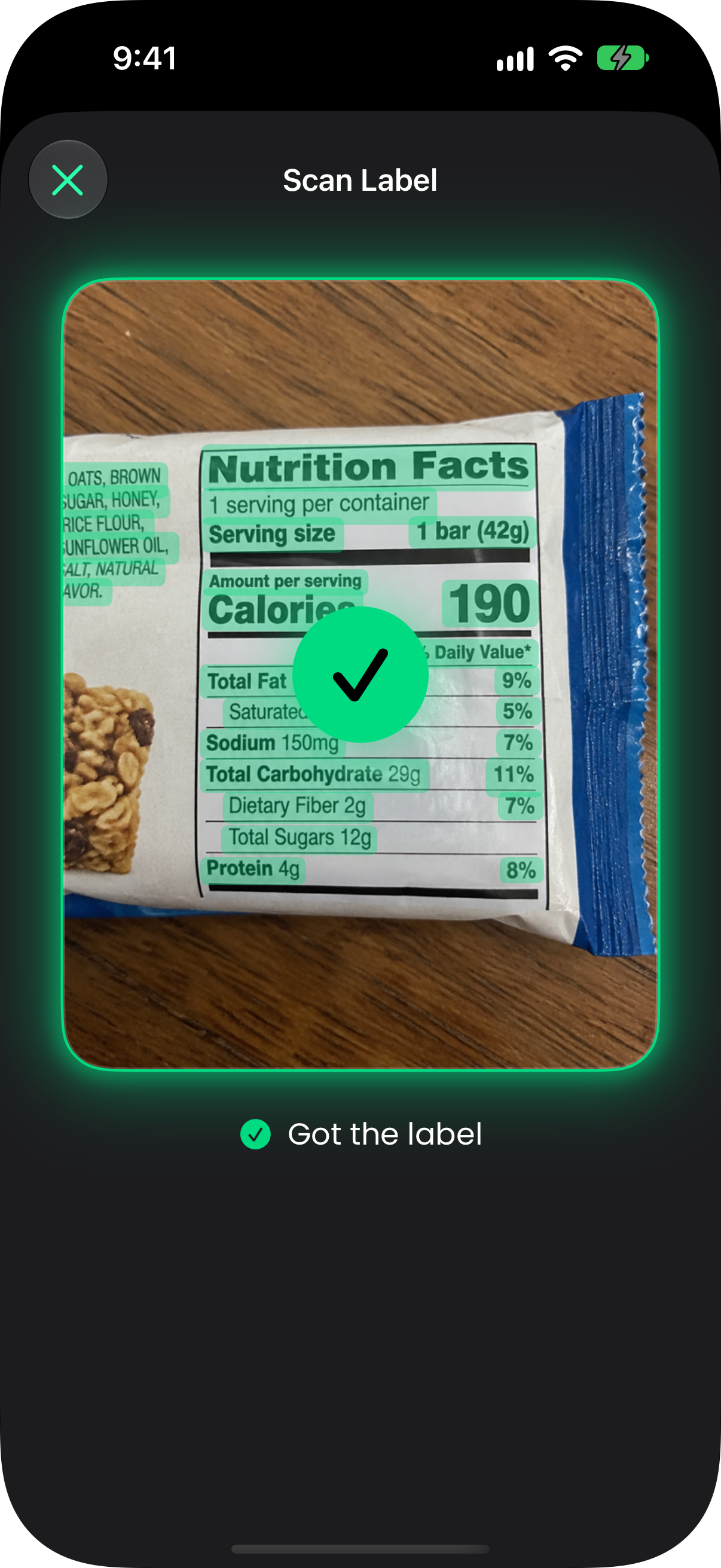
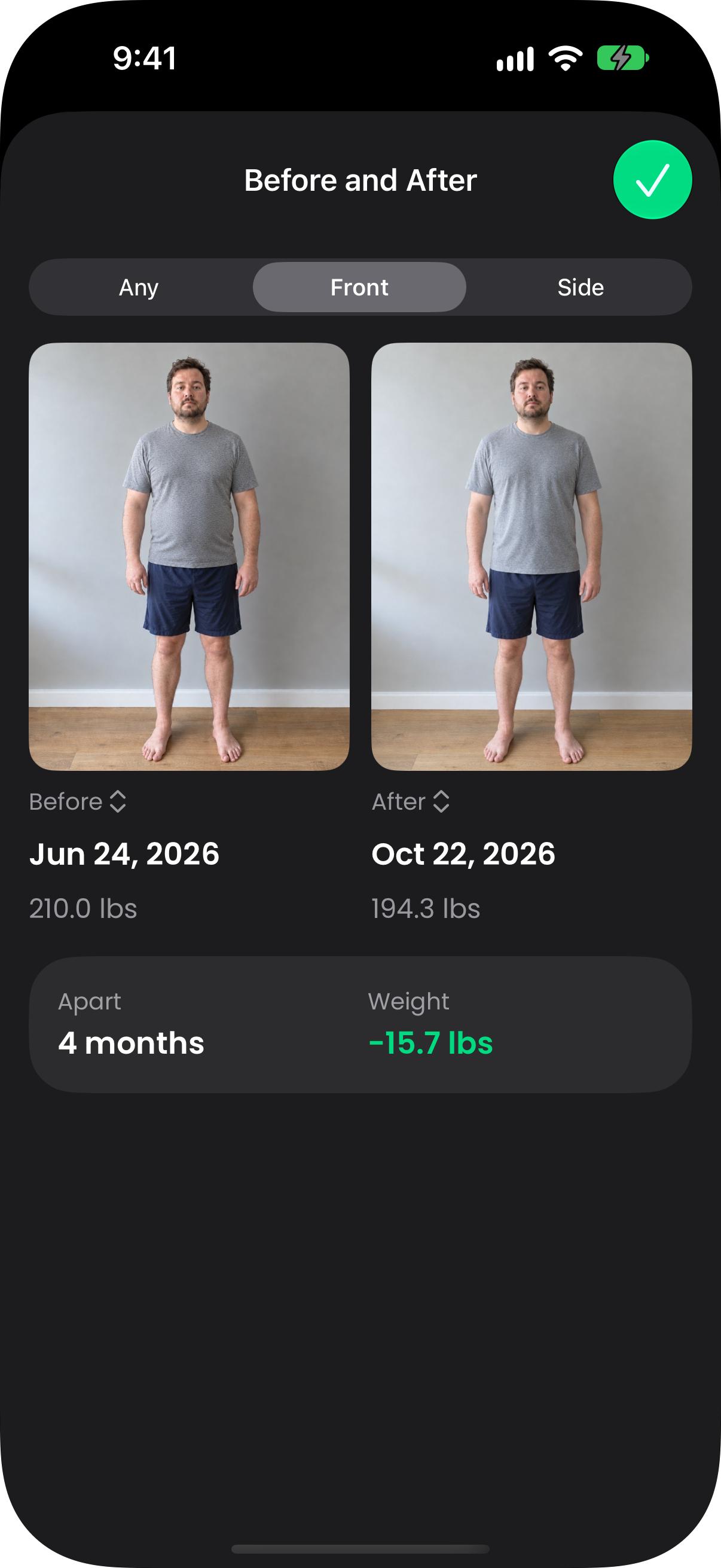
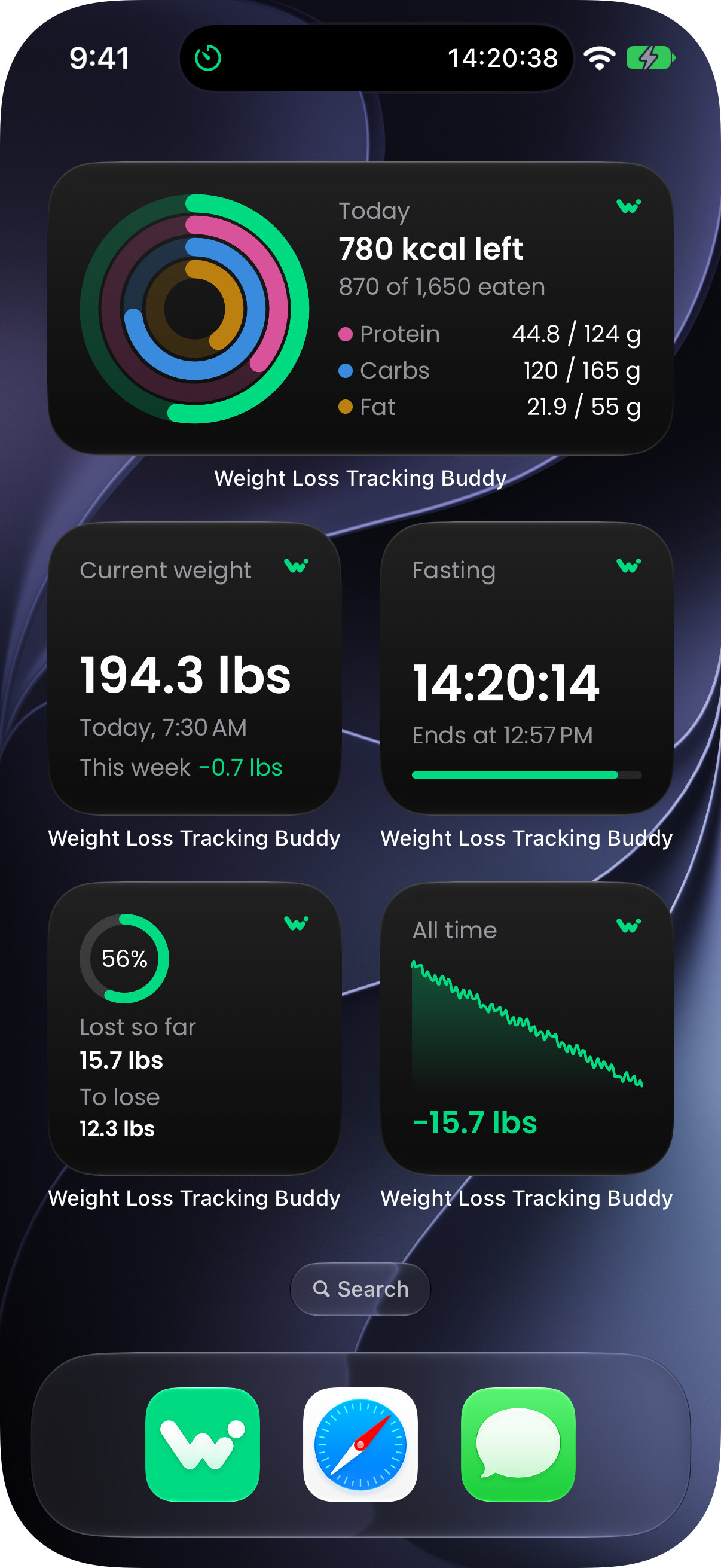
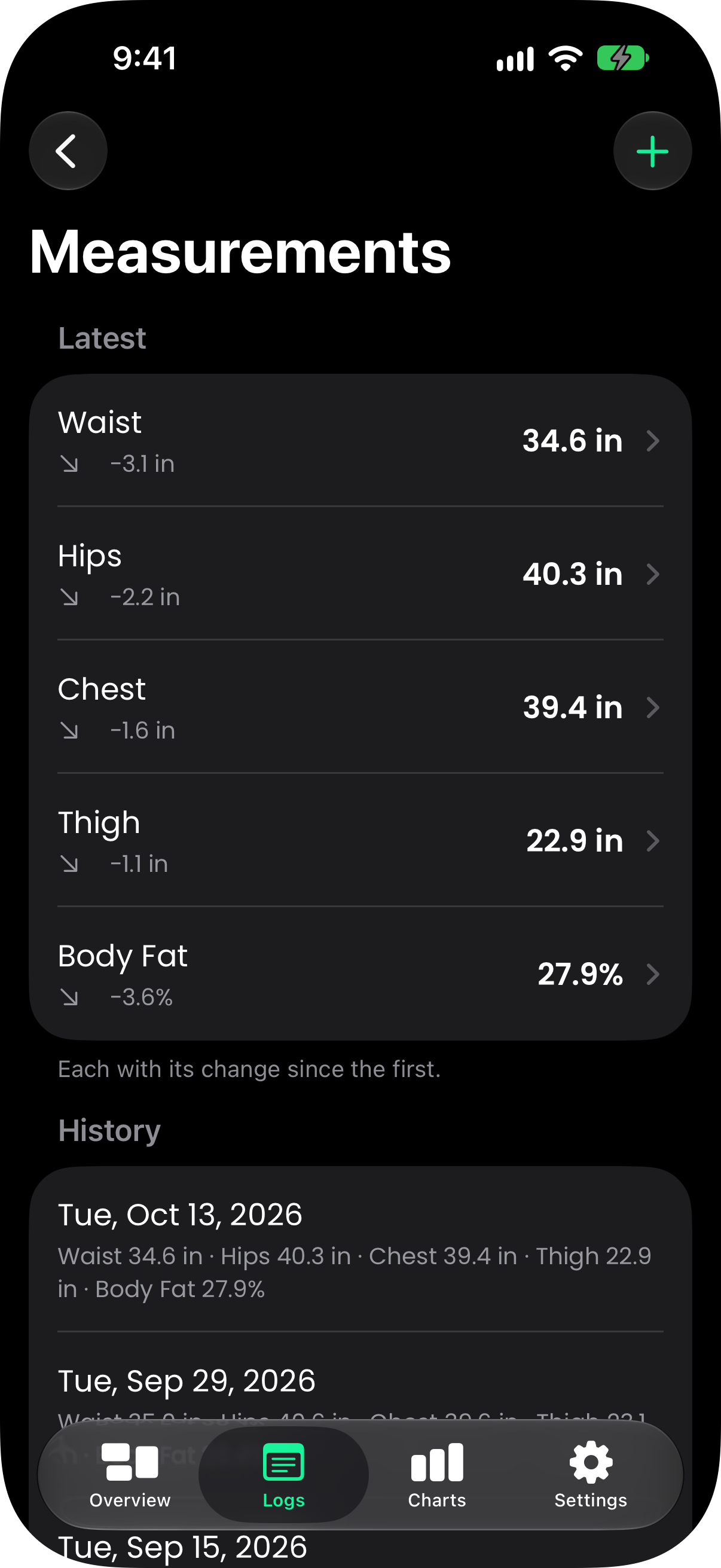
Version 4 is a ground-up rebuild for iOS 26 and watchOS 26. Goals can be set by a weekly pace or a date, to lose, to gain or to maintain, with a daily budget from the revised Harris-Benedict equations. WLTB Pro adds AI meal and nutrition label scanning, macros, sugar, fibre and salt, intermittent fasting with a Live Activity, Apple Health, body measurements and progress photos, and twelve widgets. The Apple Watch app logs your weight on the Digital Crown, and on iPhone Duo every screen splits into two panes around the fold.
There's no account to create. Everything you log stays on your devices and syncs through your own iCloud account, and you can switch calorie tracking off entirely if you only want to weigh in.
Key features
02 / Media
Screenshots
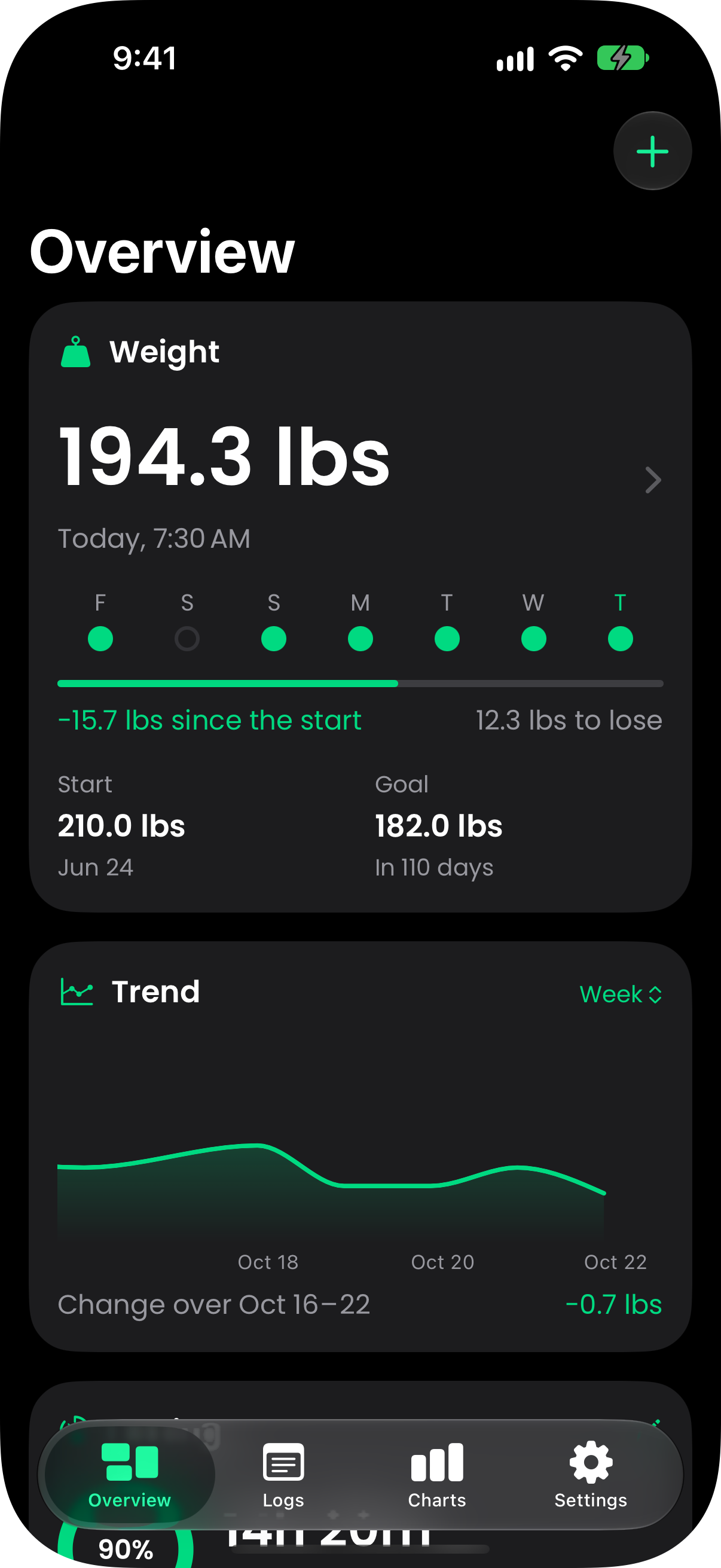
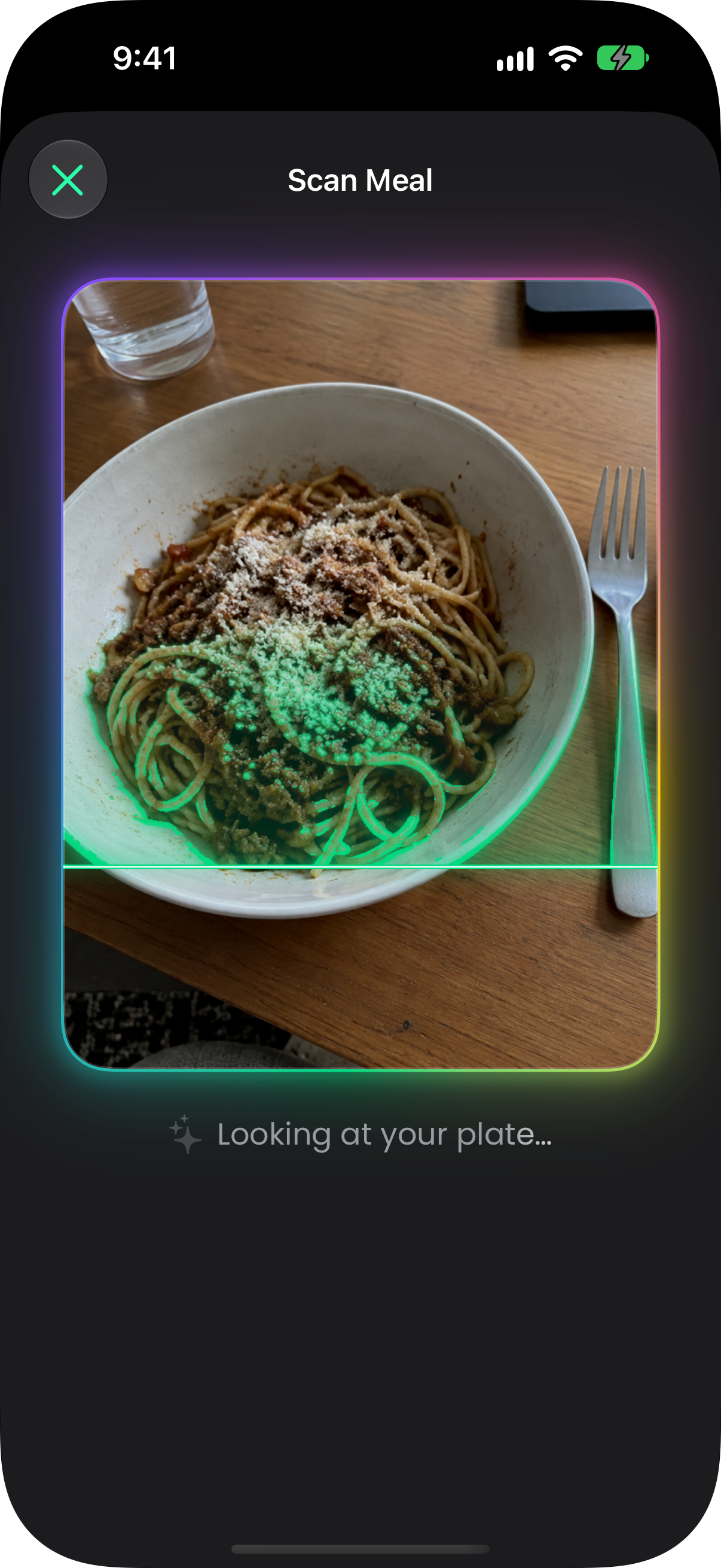
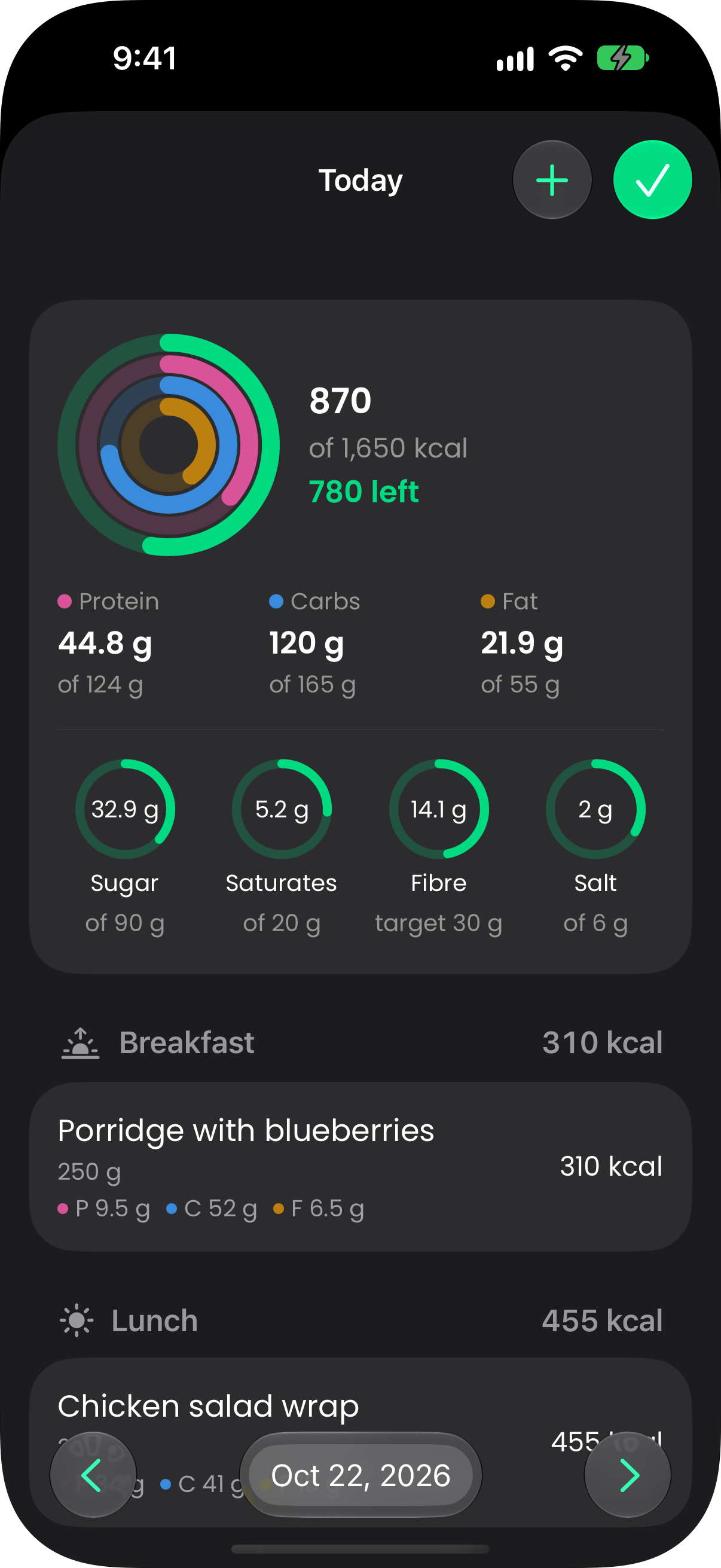
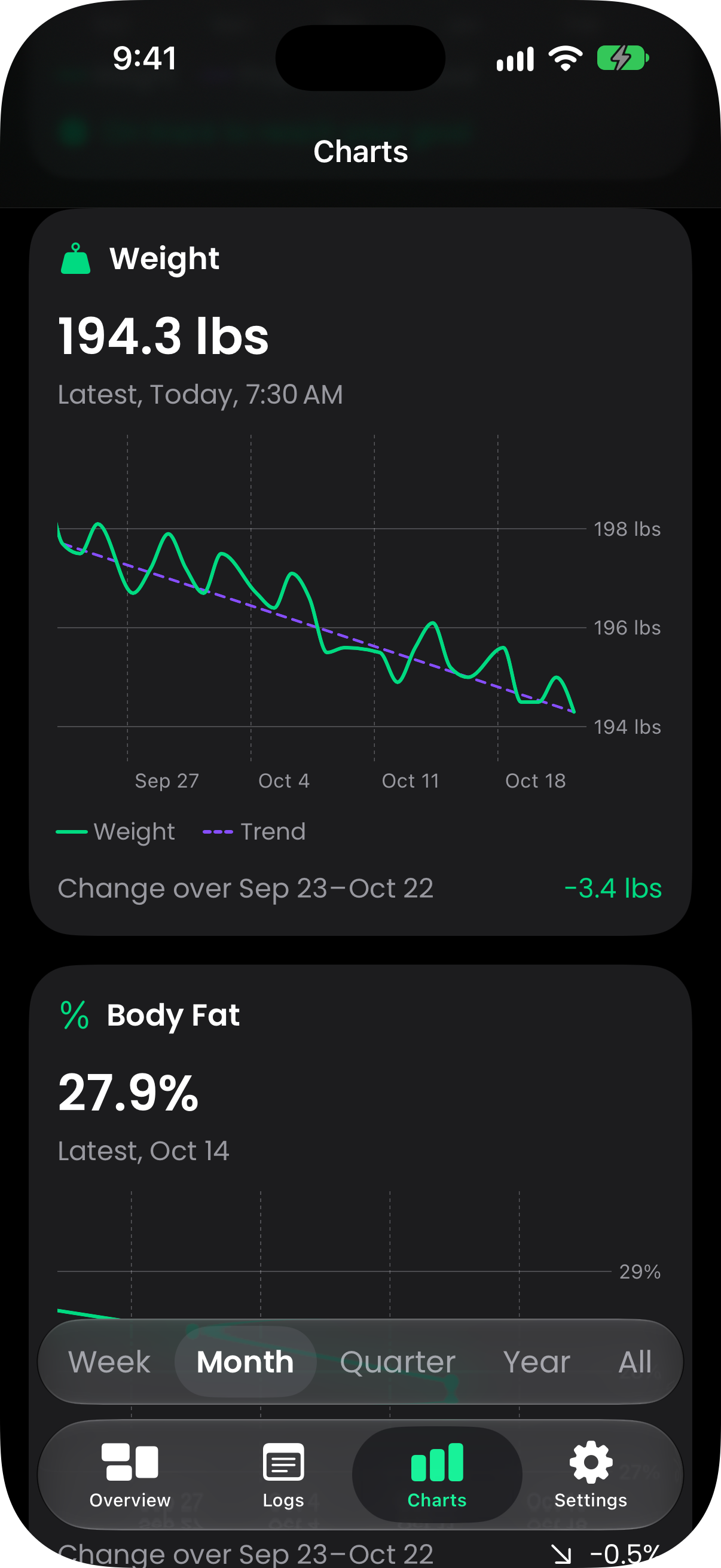
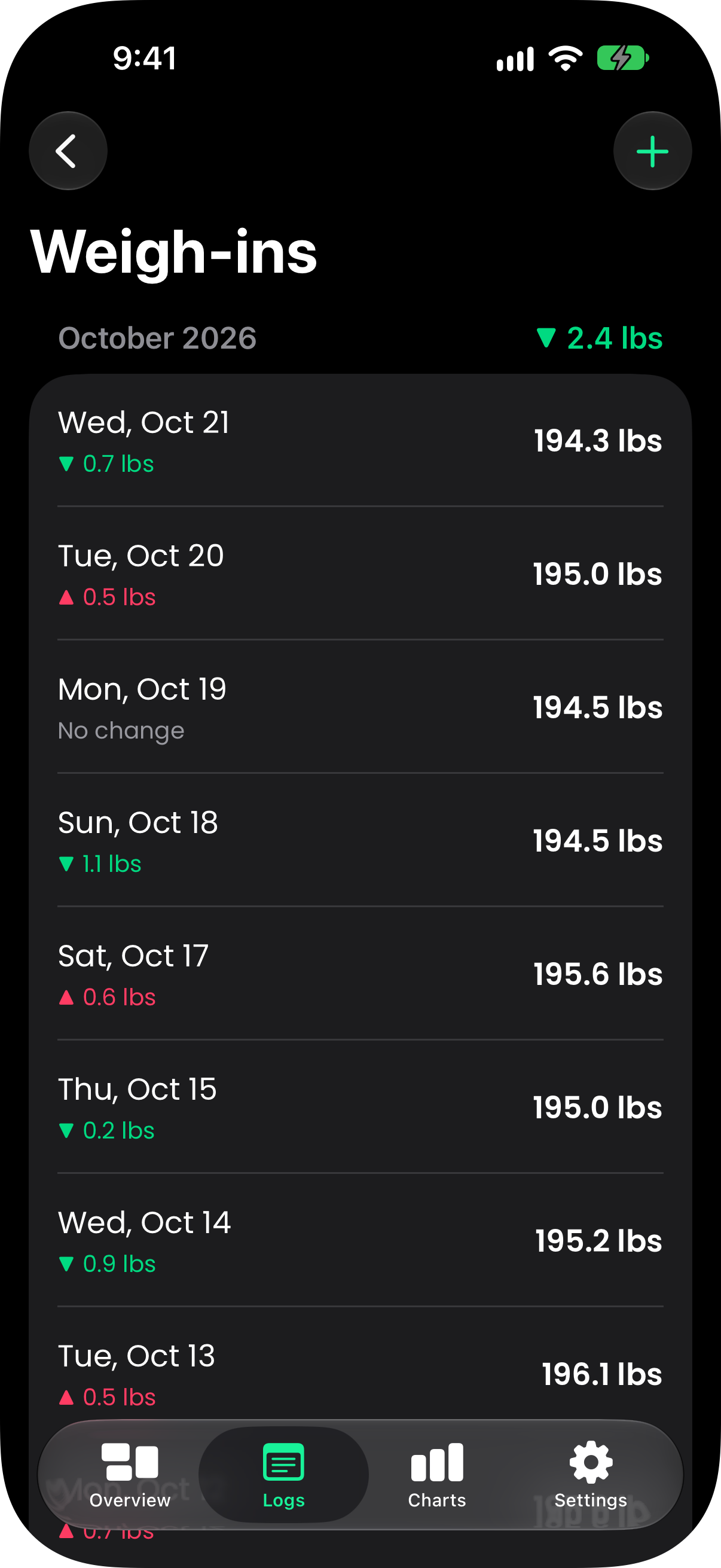
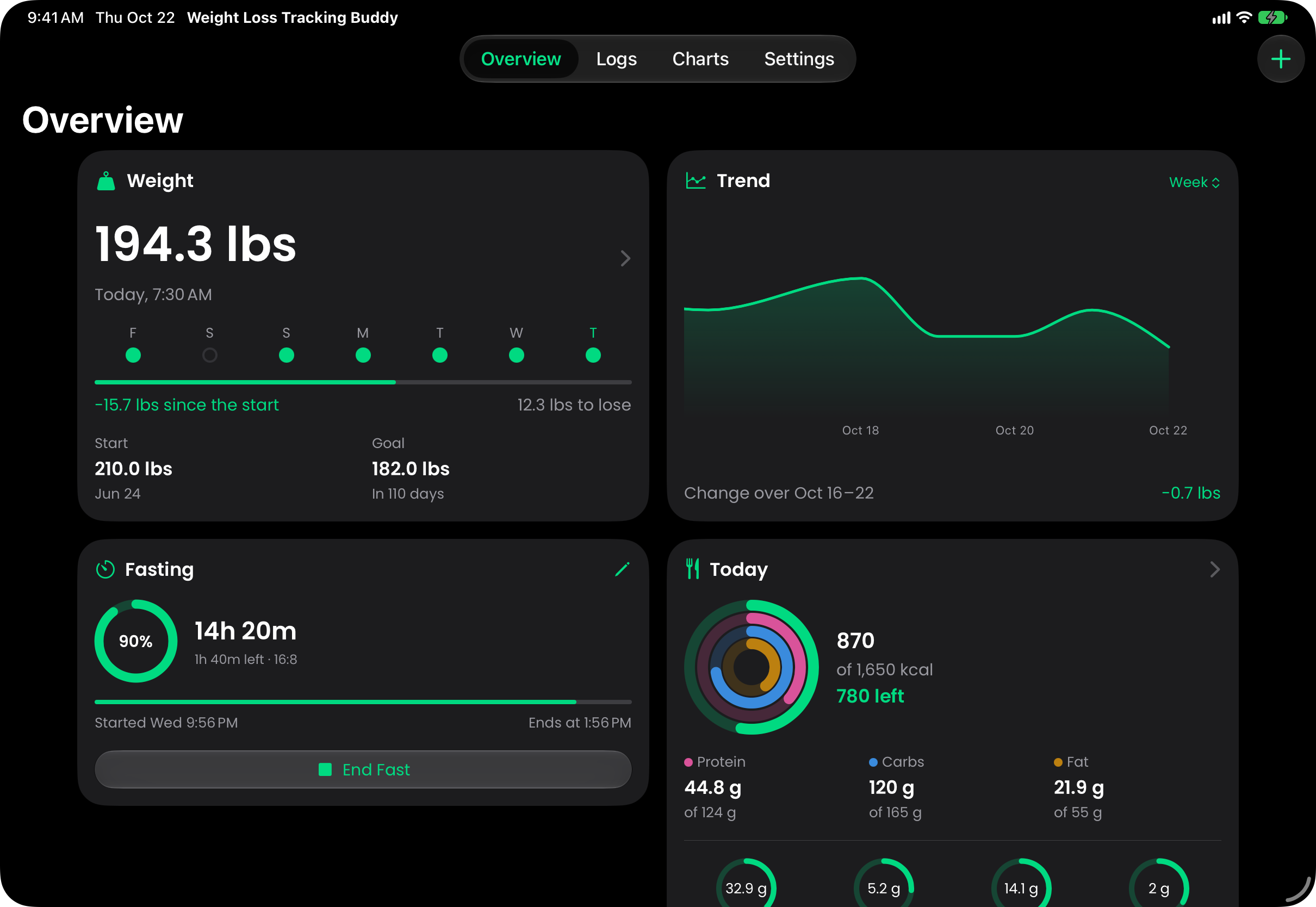
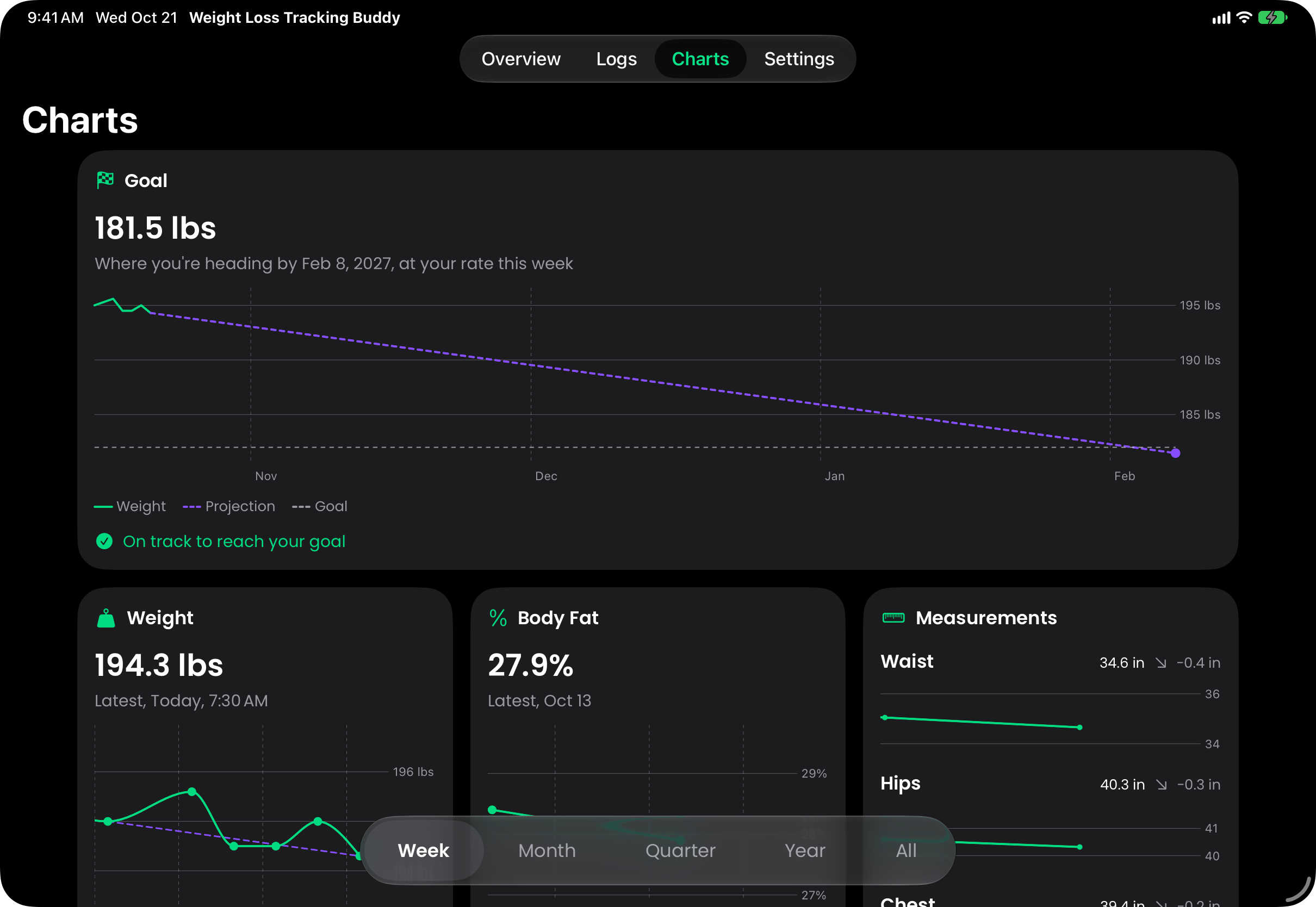
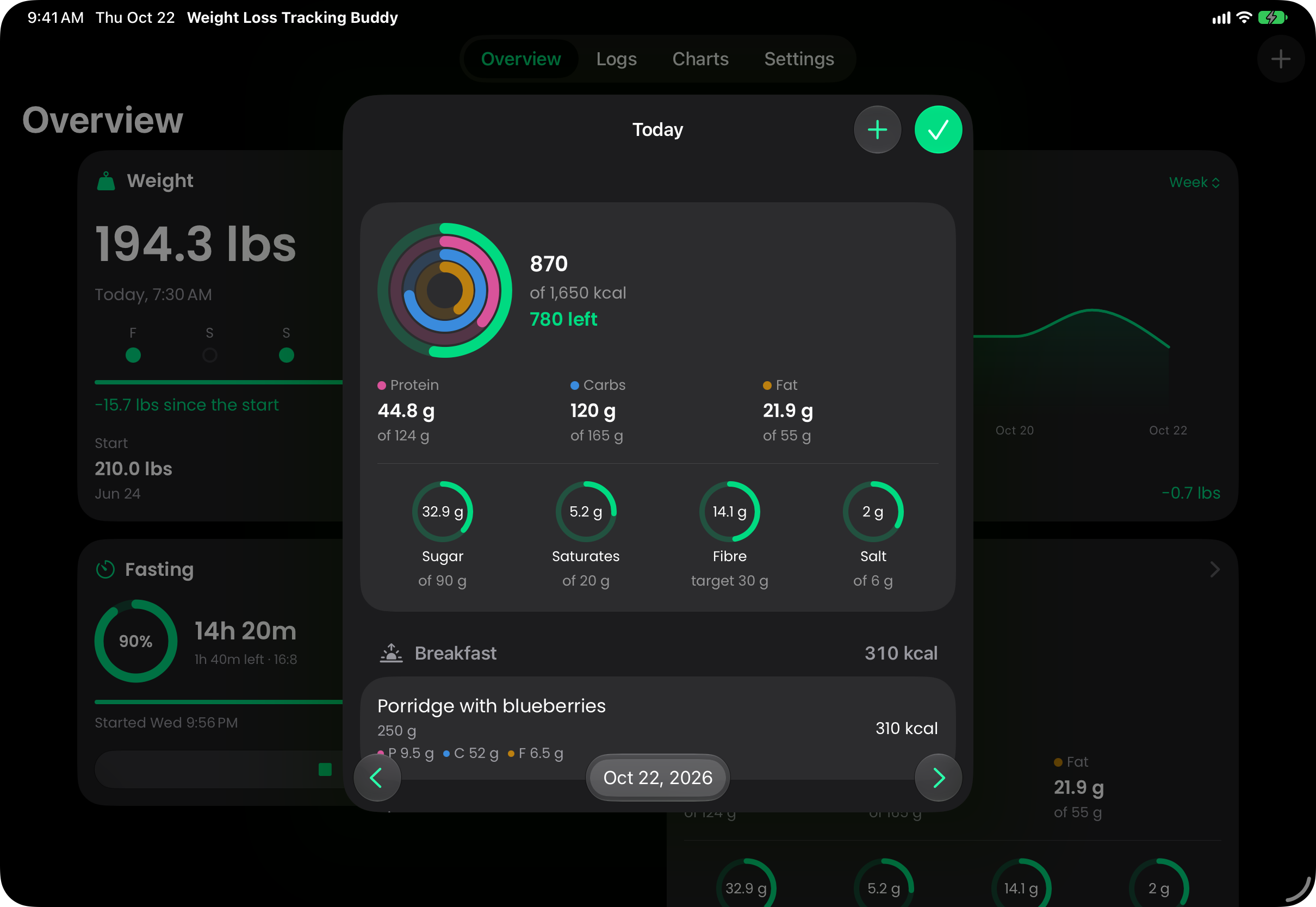
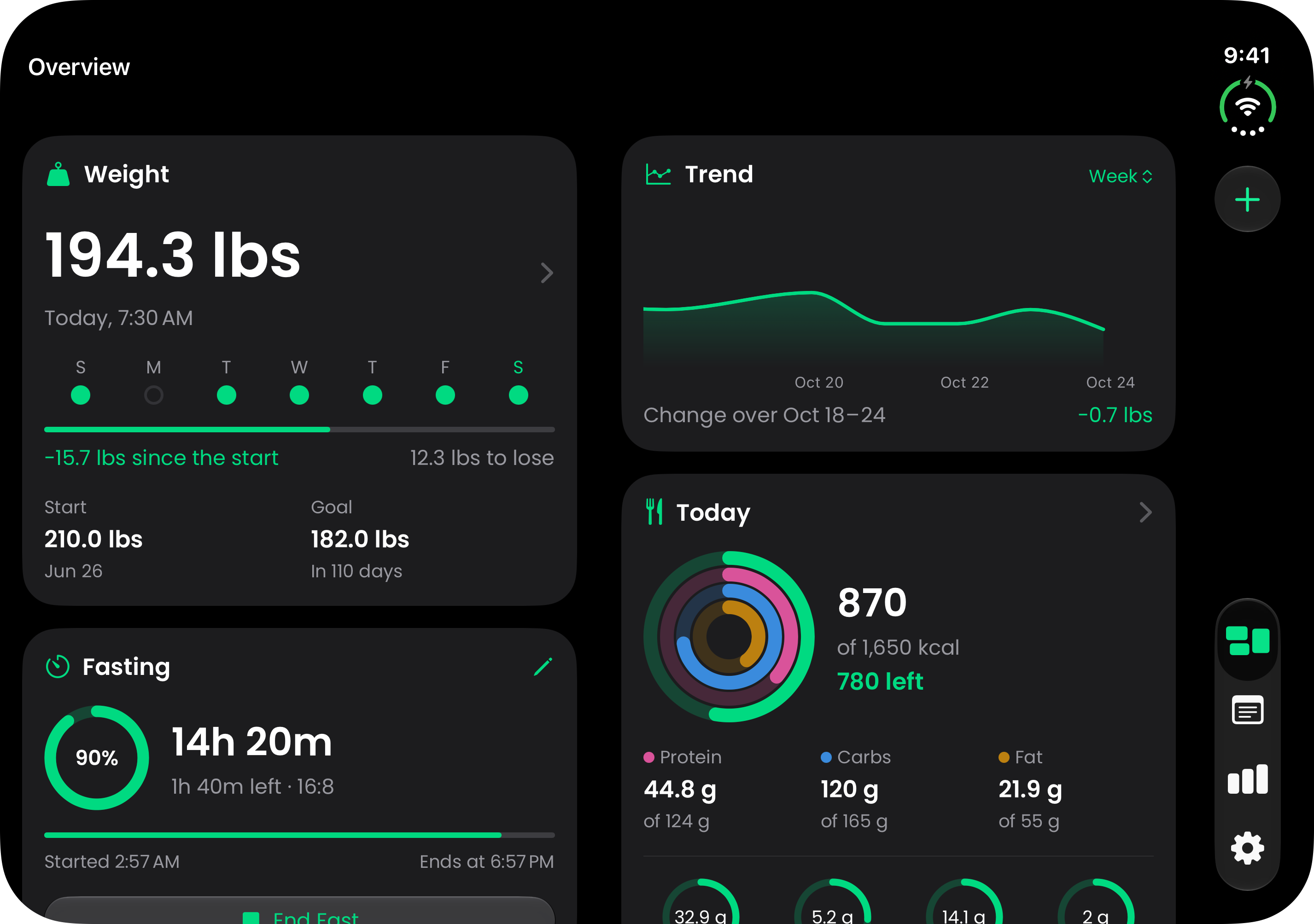
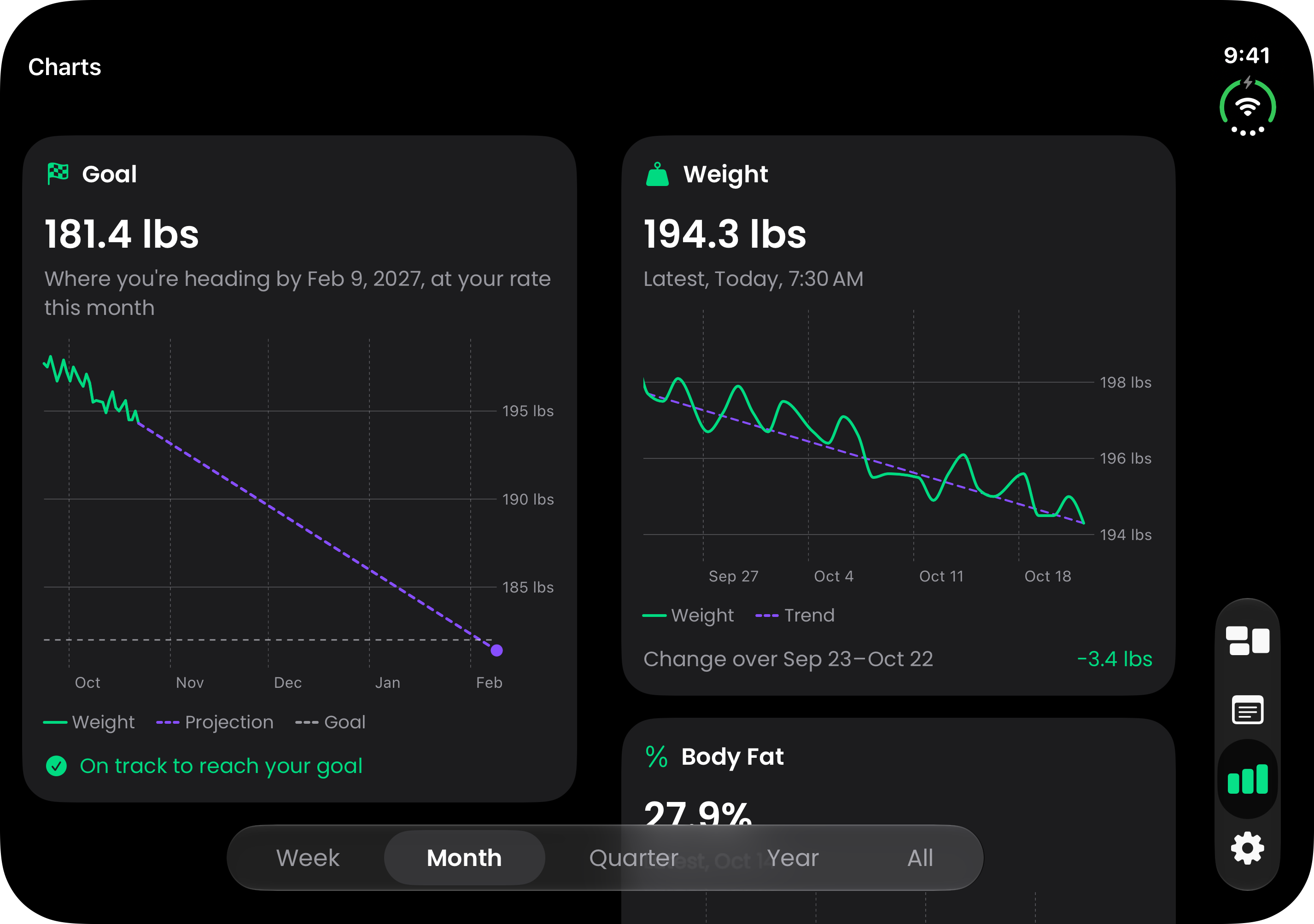
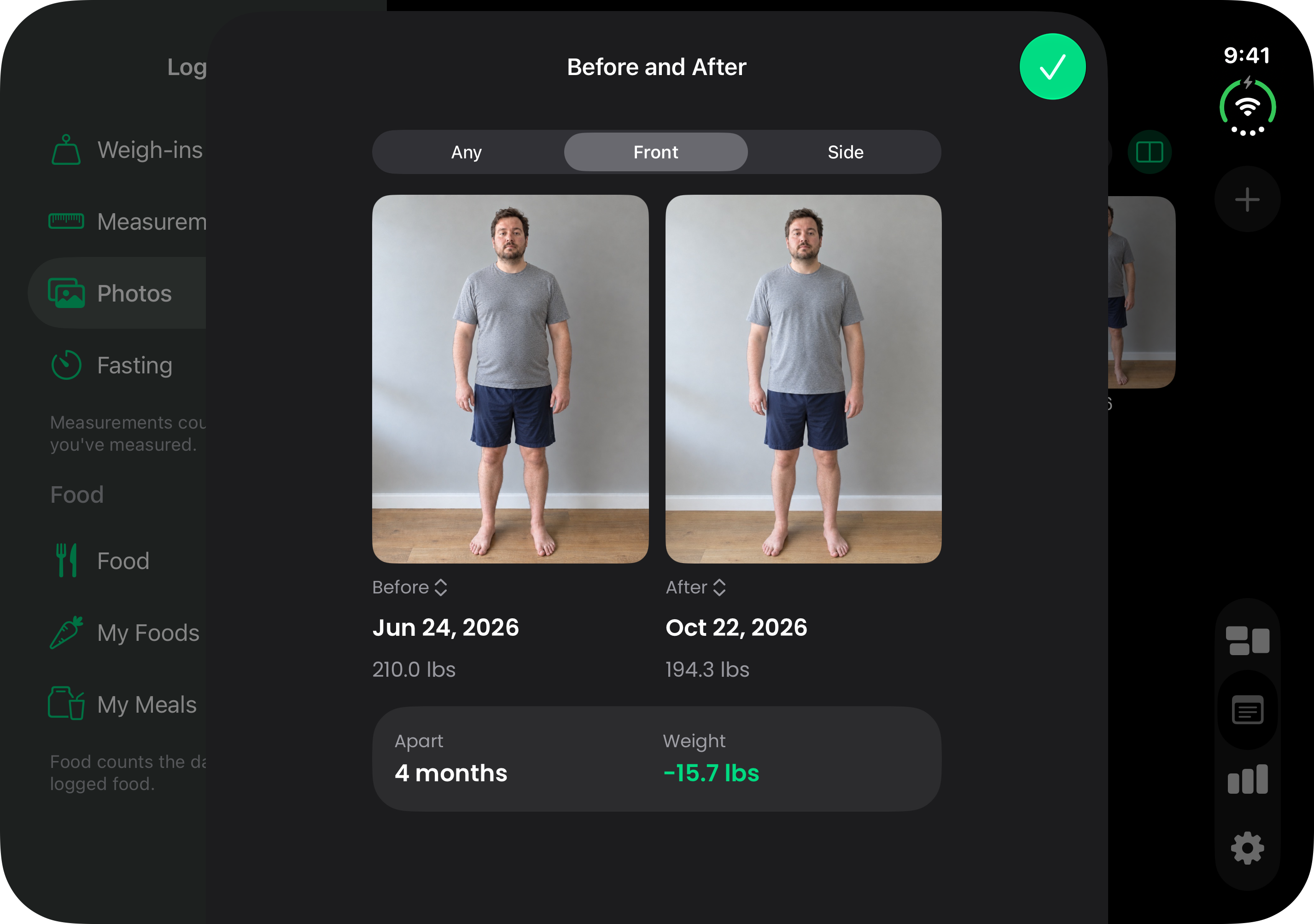
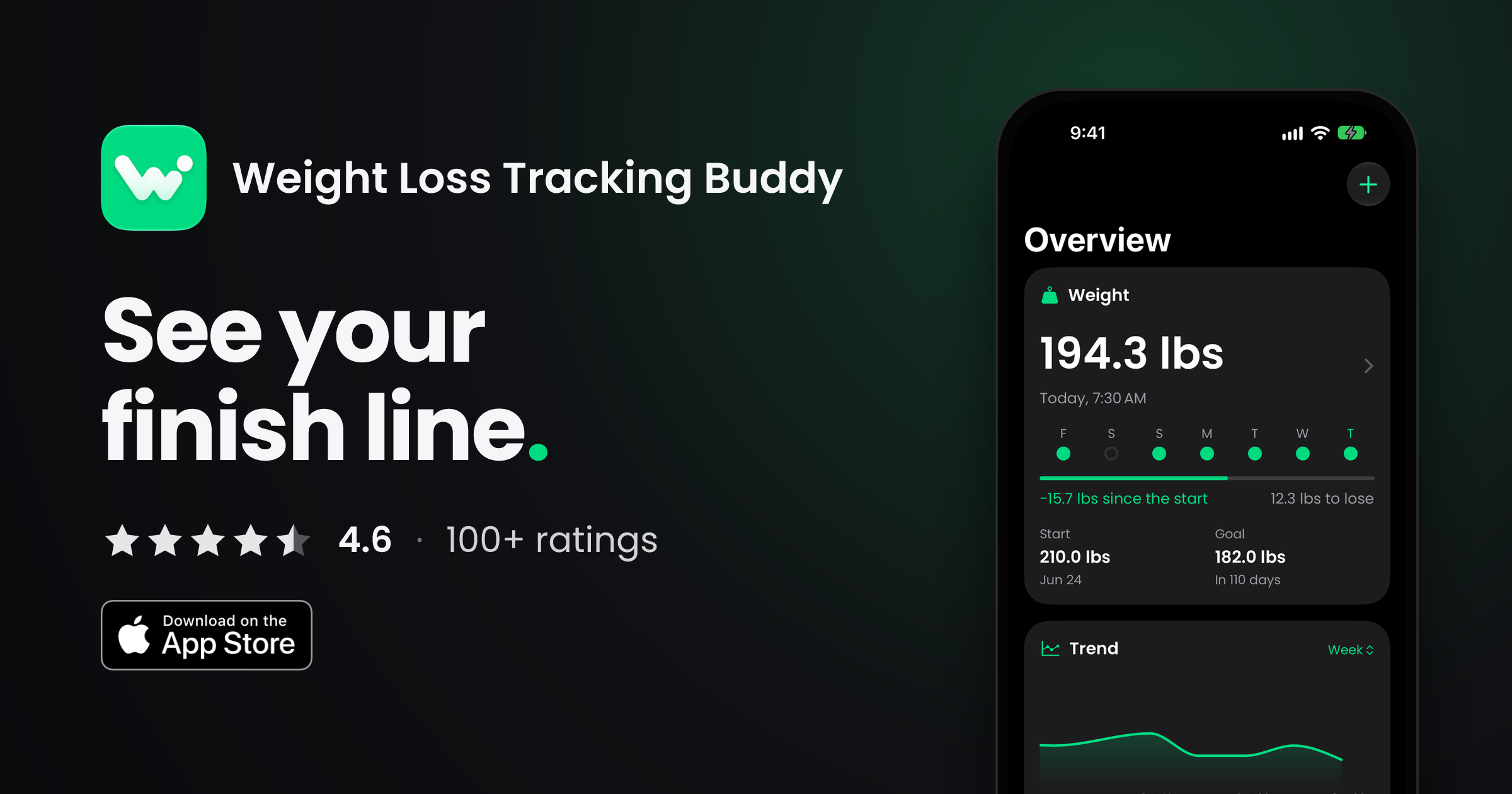
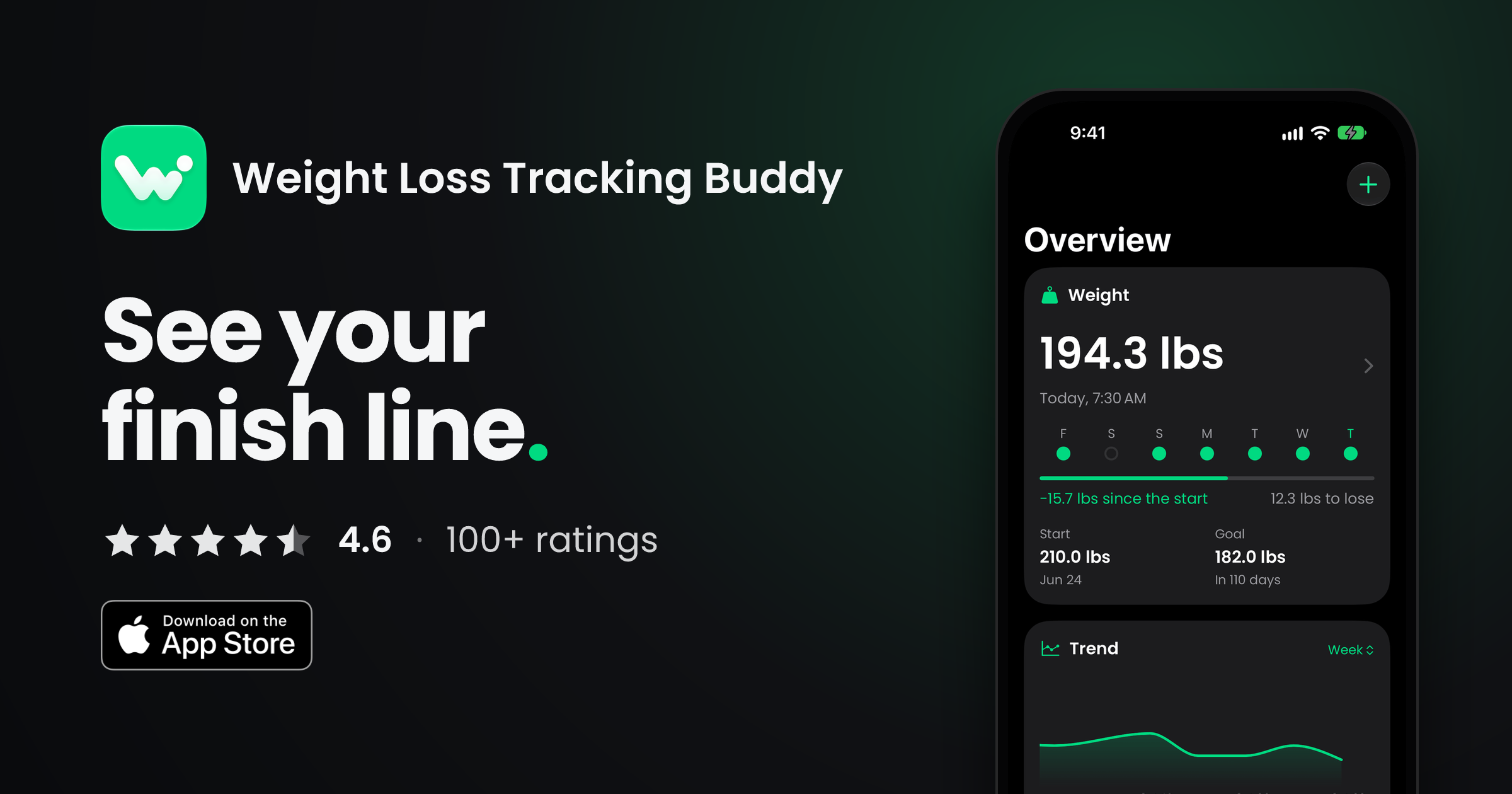
Full-resolution iPhone screenshots (1206 × 2622), then iPad (2420 × 1668) and iPhone Duo open (2853 × 2007), all from the app's sample data. Open one full size, or download it.
iPad and iPhone Duo

04 / Developer
About the developer
Danny Law is an independent developer from the UK who designs and builds his own apps for Apple platforms. Weight Loss Tracking Buddy started as the tracker he wanted for his own goal, and has grown with the people using it ever since.
Boilerplate
Weight Loss Tracking Buddy (WLTB) is a weight tracking, calorie and fasting app for iPhone, iPad and Apple Watch, built by independent UK developer Danny Law. Version 4, a complete rebuild, arrived on the App Store in October 2026.
Writing about Weight Loss Tracking Buddy? I'd love to help.
Promo codes, extra images, an interview or a quote: email and you'll hear back quickly.