The weight loss tracker built for iPhone Duo
Open iPhone Duo and WLTB spreads across both halves: your weight and your fast on one side, your trend and today's food on the other. Hold it like a book and the fold falls between them. Stand it like a laptop and your goal stays in view while the rest scrolls below.

Built for iPhone Duo in every pose, free and Pro alike.
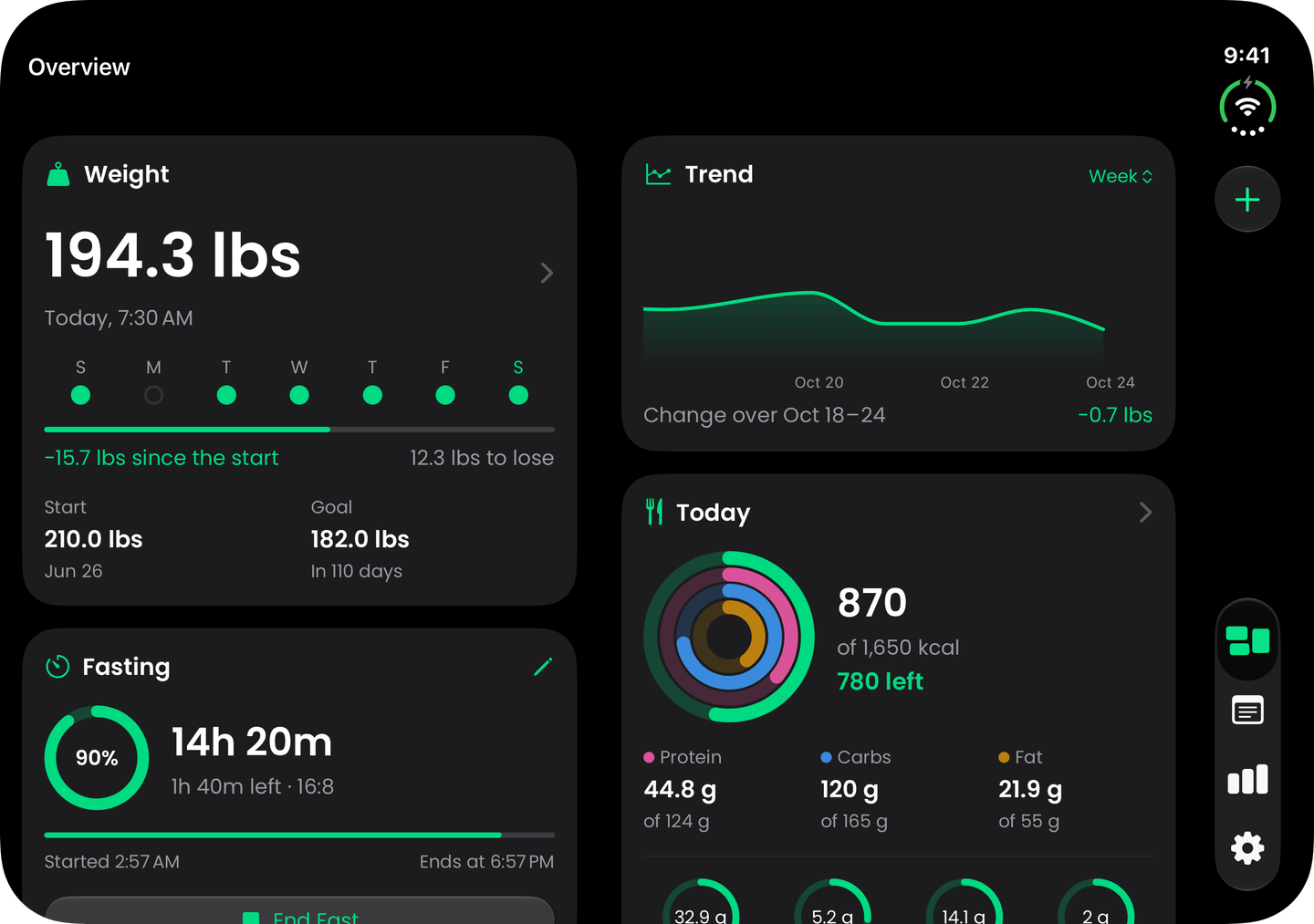
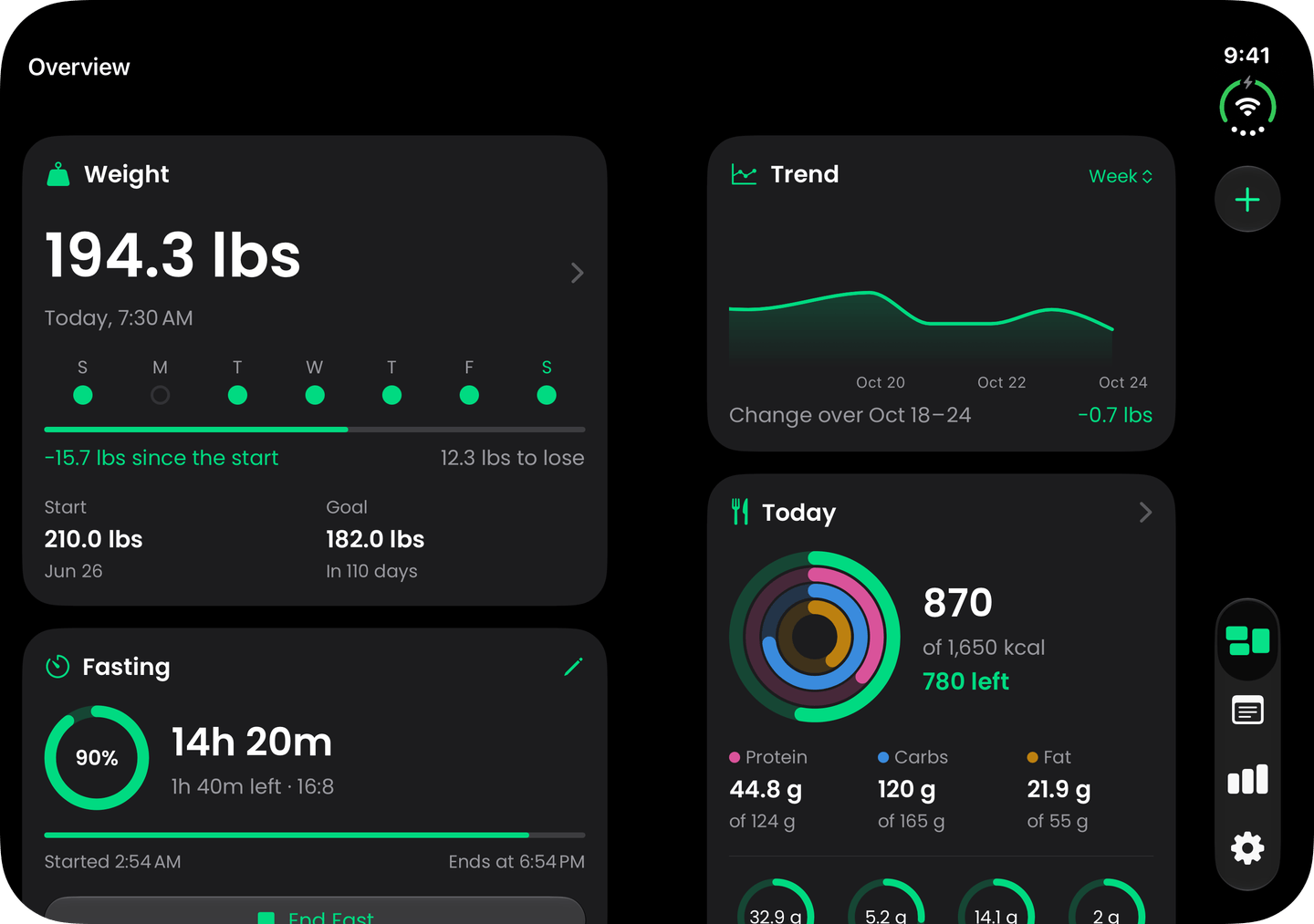
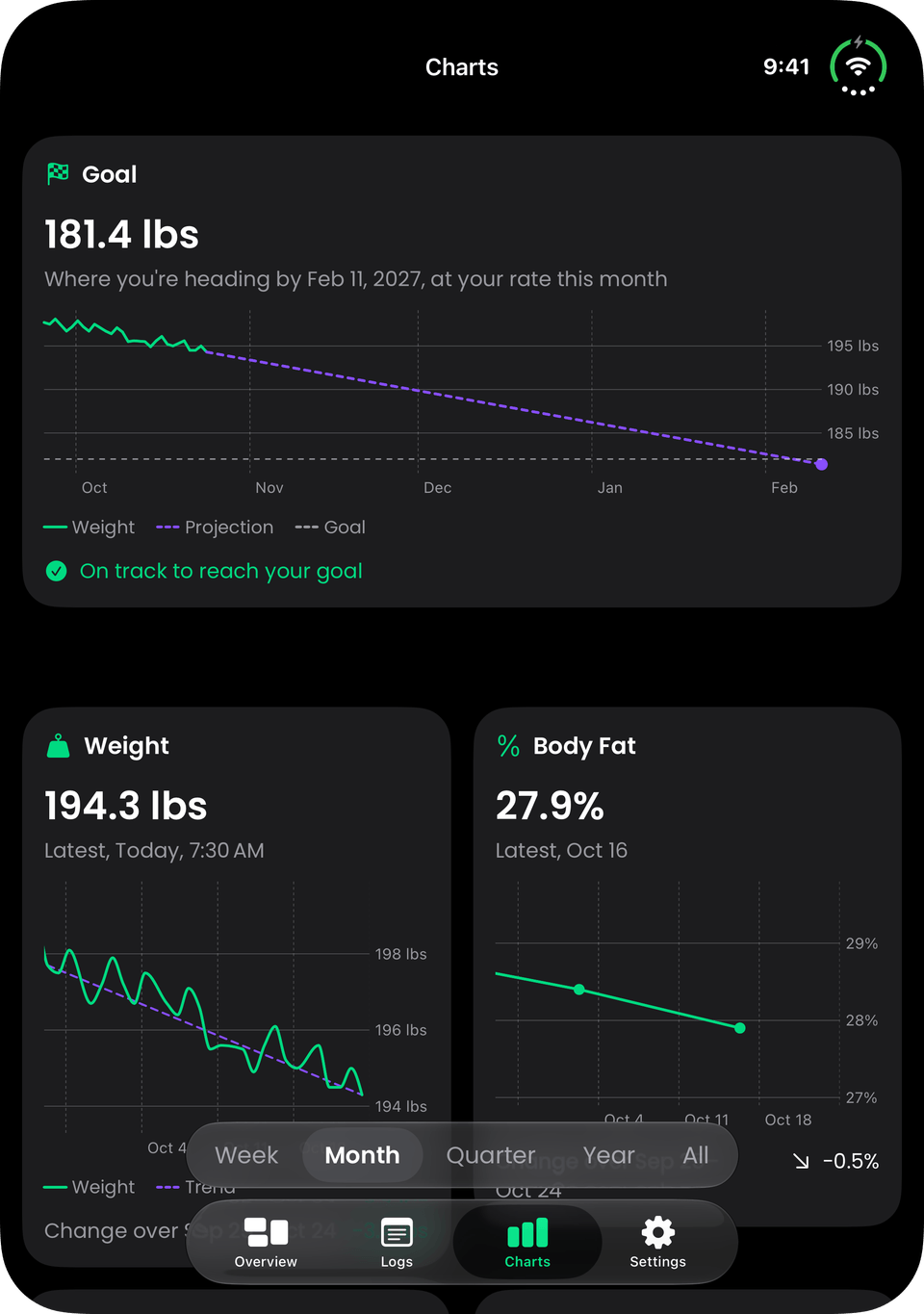
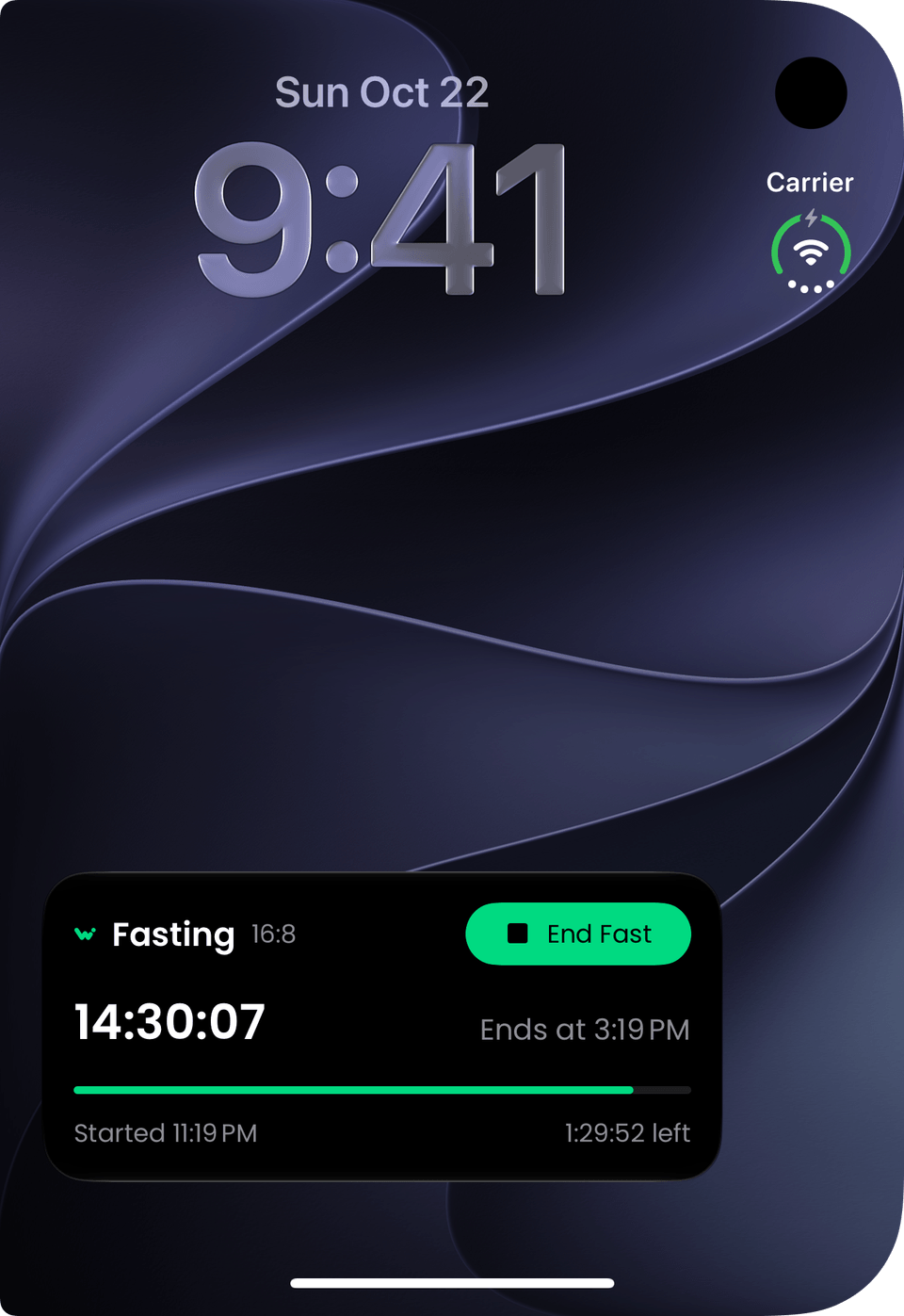
Closed, your fast counts down on the outer display's Lock Screen.
Two panes for every tab.
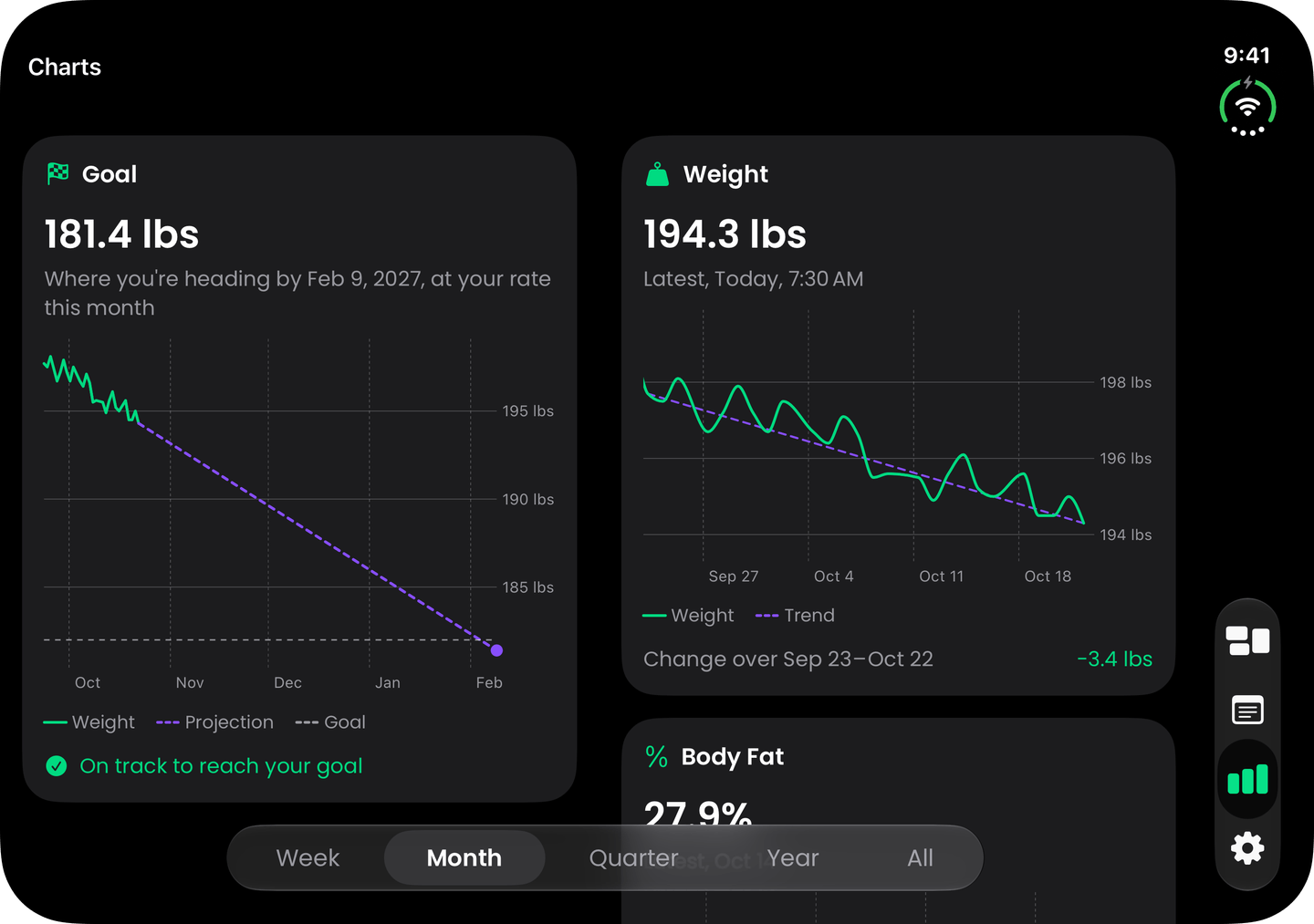
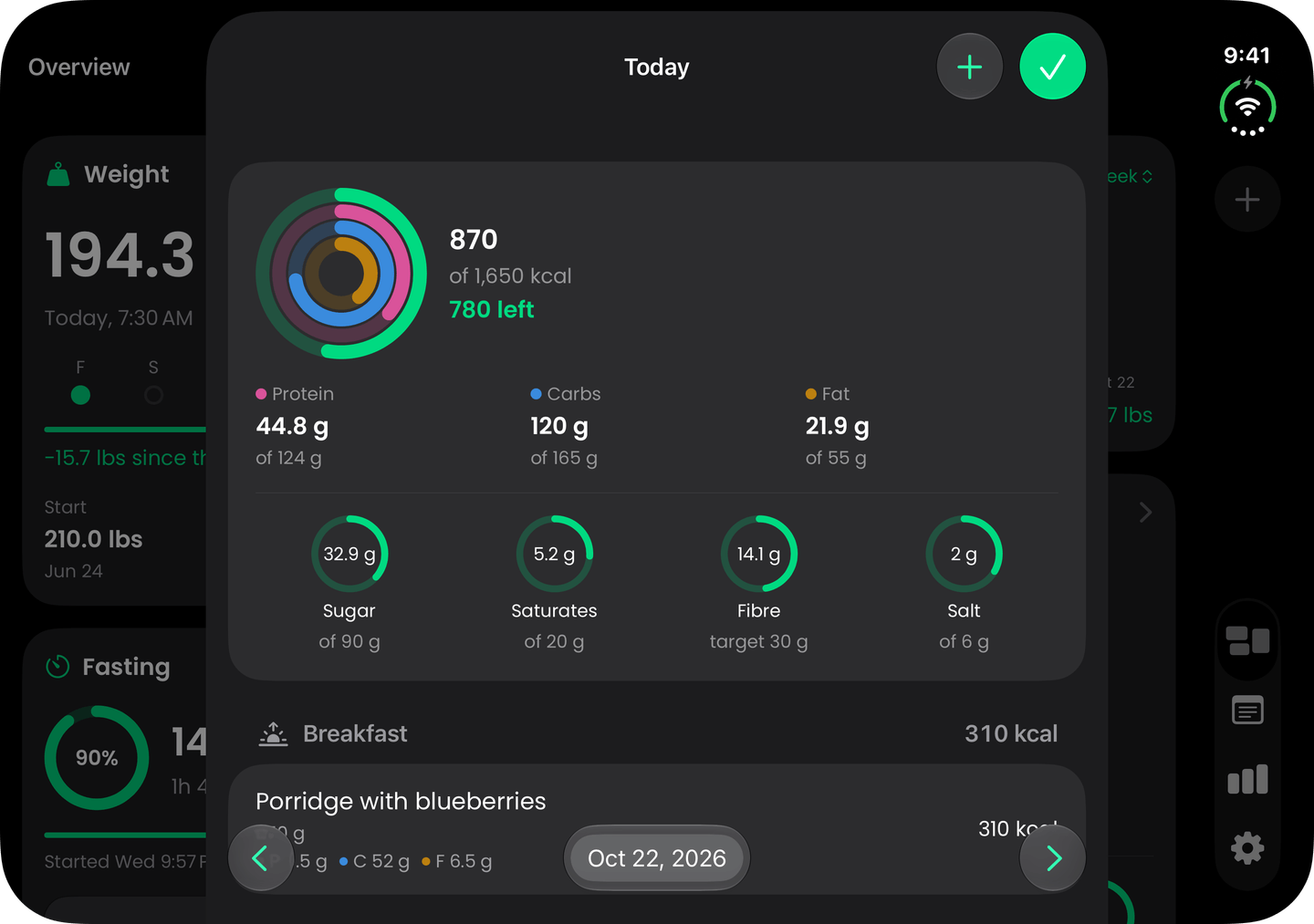
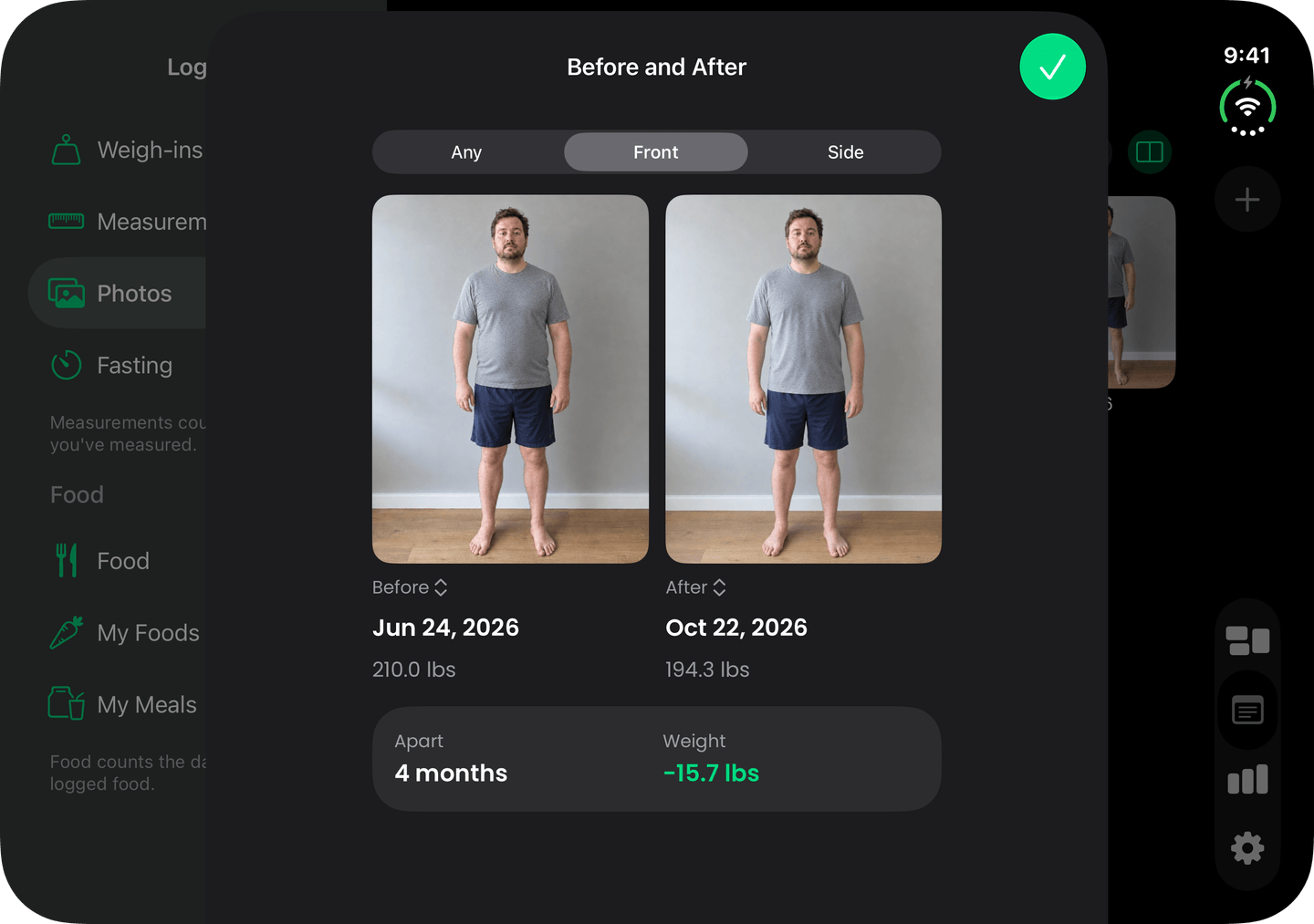
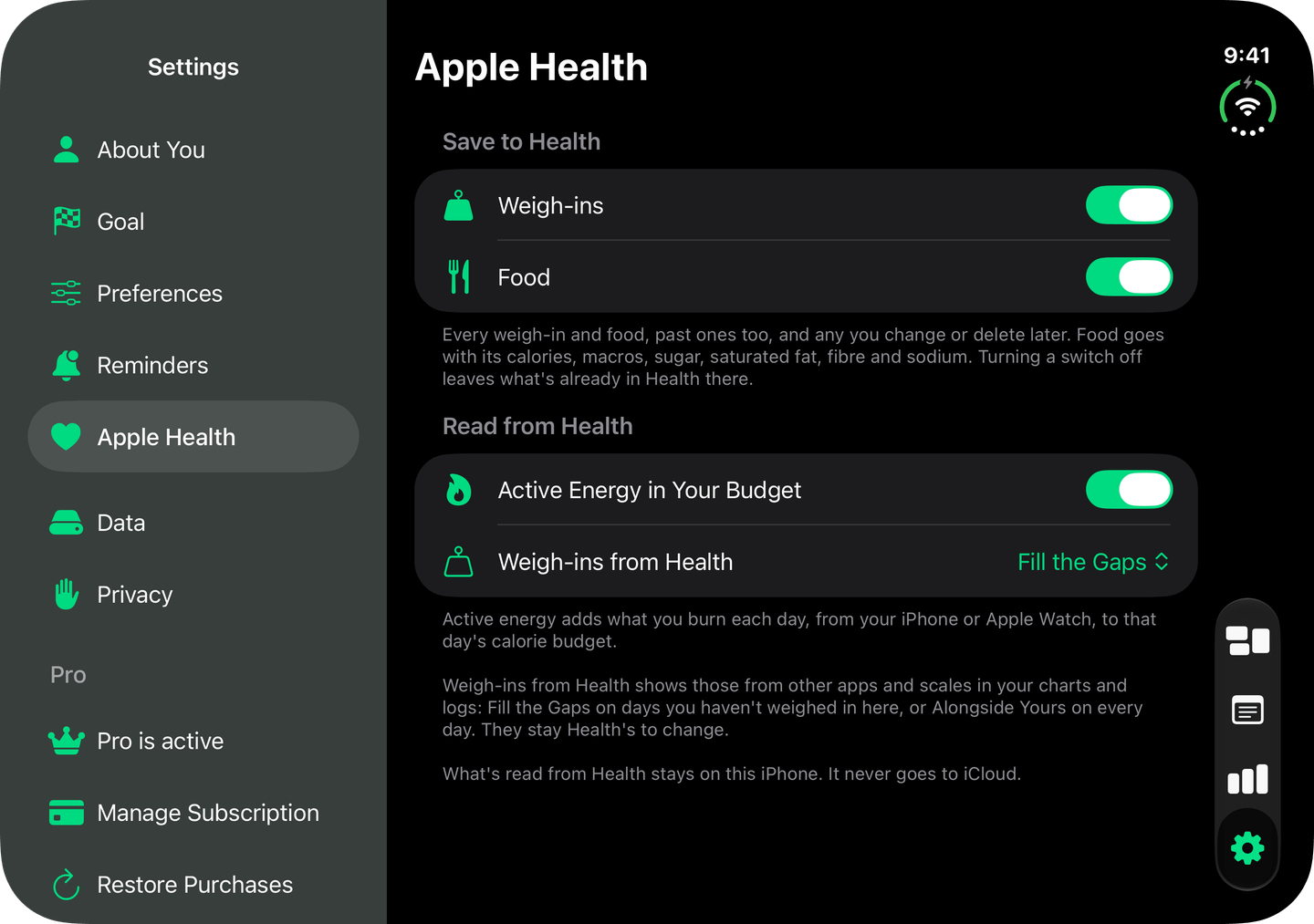
The Overview spreads its cards across the fold, and Charts, Logs and Settings split the same way across the inner display.
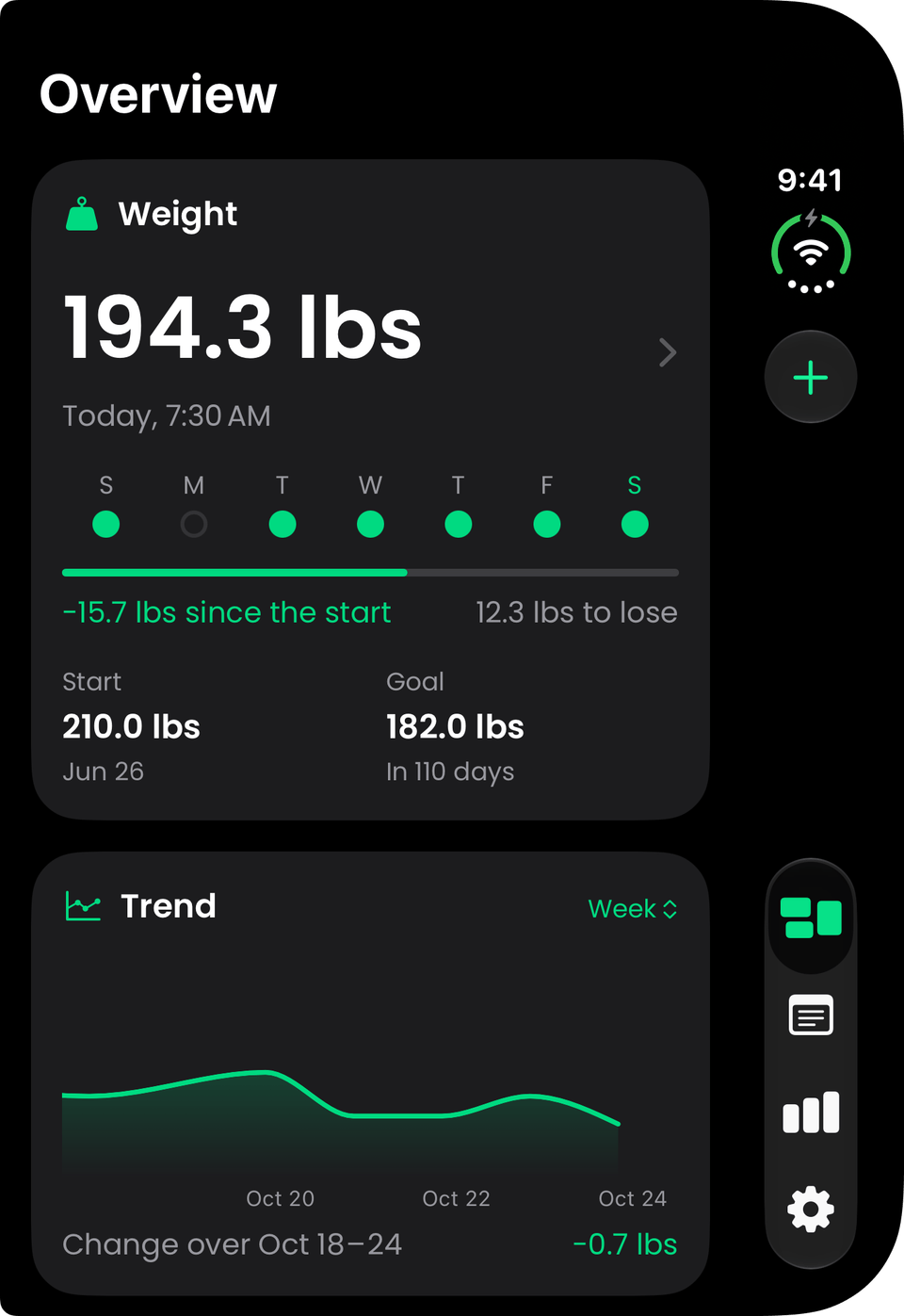
Folded, it's the app you know.
Closed, the outer display shows the Overview as you'd see it on any iPhone, with the tab bar down the side. Open it at any point and you carry on where you were, across both halves.
Every tab, two panes
The Overview and Charts lay their cards out around the fold, and Logs and Settings keep their list beside the page you're on.
Stood like a laptop
The upright half holds one card still, your goal's projection or your weight, while everything else scrolls below the fold.
Bars down the side
Where iPhone Duo moves the tab bar down the side, every action moves with it, so nothing sits on the fold.
More of what WLTB can do

See your finish line.
Set your goal, follow your trend and see how far you've come. Add calorie tracking, fasting and Apple Health when you need them.
- Free to track your weight
- Goals by pace or by date
- AI food scanning with Pro
- Apple Health and Apple Watch
Rated 4.6 out of 5 from 100+ App Store ratings.